
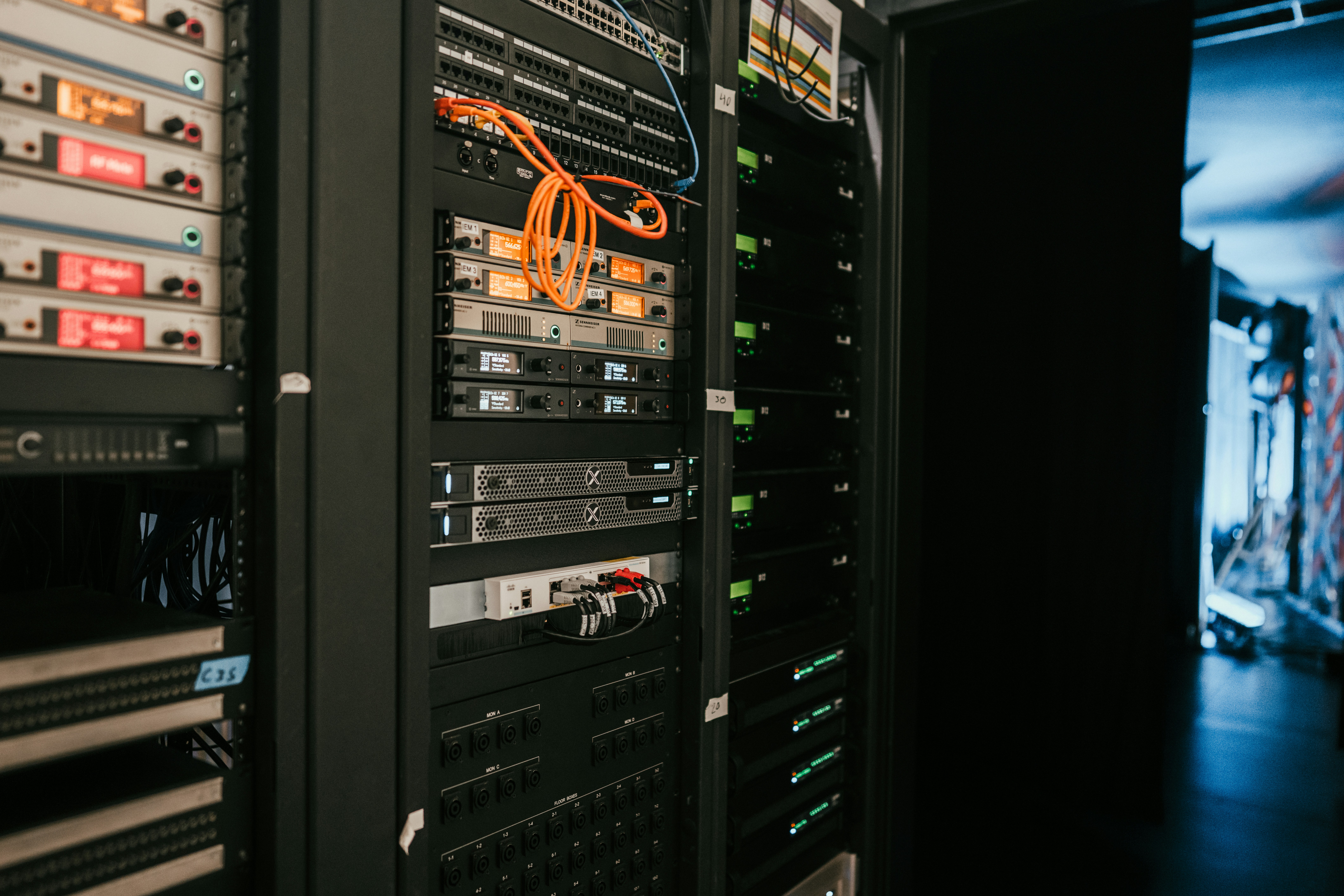
What Is a PBX? A Simple Guide for Business Owners
A PBX is the system that organizes and manages a business's phone calls. It connects employees, extensions, outside telephone lines, call routing, voicemail, auto attendants, and many of the features people expect from a modern business phone system.
If you have ever called a business and heard:
"Thank you for calling. Press 1 for Sales, press 2 for Support..."
you have almost certainly interacted with a PBX.
The same is true if you have called an employee's extension, been transferred between departments, waited in a call queue, reached voicemail, or called a company that routes calls differently after business hours.
All of those functions are typically managed by the company's PBX.
PBX stands for Private Branch Exchange.
The name sounds technical, but the concept is fairly simple:
A PBX is the central system that controls how telephone calls move into, out of, and within a business.
The Short Answer
A PBX phone system connects a business's employees and devices to one another and to the outside telephone network.
It manages extensions, incoming calls, outbound calls, transfers, voicemail, auto attendants, ring groups, call queues, business-hours routing, and many other telephone features.
Why Does a Business Need a PBX?
Imagine a business with 50 employees.
Without some kind of central phone system, each employee could theoretically need their own separate telephone line and phone number.
That would quickly become difficult to manage.
Customers would need to know individual telephone numbers for every employee. Transferring calls would be difficult. Departments could not easily share numbers. Voicemail would be fragmented. Business-hour schedules would need to be managed separately for every person.
A PBX solves this problem by creating a private telephone system for the organization.
Employees can have internal extensions while the company maintains a smaller collection of public-facing telephone numbers.
The PBX then decides where each call should go.
Think of a PBX as a Traffic Controller for Phone Calls
One of the easiest ways to understand a PBX is to think of it as a traffic controller.
Calls enter the business from the outside telephone network.
The PBX determines where those calls should go.
It may send the call to:
- A receptionist
- An auto attendant
- A specific employee
- A ring group
- A call queue
- A voicemail box
- Another office location
- A mobile or remote user
When employees make outbound calls, the PBX also determines how those calls leave the organization and which business number should appear as caller ID.
What Is an Extension?
An extension is an internal identifier assigned to a user, phone, department, or destination within the PBX.
For example:
| Employee or Department | Extension |
|---|---|
| Reception | 100 |
| Sales | 200 |
| John Smith | 215 |
| Billing | 300 |
Employees can usually call one another simply by dialing an extension rather than the person's full public telephone number.
Extensions also allow the PBX to organize call routing internally.
An Extension Is Not Necessarily a Physical Phone
In older telephone systems, an extension was usually associated with a physical telephone sitting at a specific desk.
Modern VoIP systems are much more flexible.
An extension might be used by:
- A desk phone
- A cordless phone
- A desktop application
- A laptop
- A mobile application
- Several devices belonging to the same user
This means an employee's business identity can potentially follow them across multiple devices and locations.
What Is a Trunk?
If extensions represent the internal side of the PBX, trunks connect the PBX to the outside telephone network.
In traditional telephone systems, trunks might have been physical telephone circuits entering the building.
Modern VoIP systems commonly use SIP trunks.
SIP stands for Session Initiation Protocol, one of the primary technologies used for modern VoIP communications.
A SIP trunk allows the PBX to send and receive telephone calls through a telephone service provider using an IP network.
In simple terms:
Extensions connect employees to the PBX.
Trunks connect the PBX to the outside telephone world.
How Does an Incoming Call Move Through a PBX?
Suppose a customer calls your company's main telephone number.
A simplified call path might look like this:
Customer → Telephone Carrier → SIP Trunk → PBX → Call Routing → Employee or Department
Once the PBX receives the call, it evaluates the rules configured for that telephone number.
Those rules might say:
- During business hours, send the call to the receptionist
- If the receptionist does not answer, ring several employees
- After 30 seconds, send the call to voicemail
- After hours, play a closed message
- On holidays, use a special holiday schedule
The PBX handles these decisions automatically.
How Does an Outbound Call Work?
Outbound calls travel in the opposite direction.
An employee dials a telephone number.
The PBX receives the request and determines:
- Whether the employee is allowed to place the call
- Which telephone provider or trunk should carry it
- Which caller ID number should be presented
- Whether special routing rules apply
The call is then sent through the appropriate trunk to the telephone network.
What Is Call Routing?
Call routing is one of the most important functions of a PBX.
It is simply the logic used to determine where a call should go.
A modern PBX can route calls based on many different conditions, including:
- Which telephone number was called
- The time of day
- The day of the week
- Holiday schedules
- The caller's menu selection
- Whether employees are available
- How long a caller has been waiting
- Which location or department should handle the call
This ability to customize call flow is one of the reasons modern PBX systems can be so valuable to businesses.
What Is an Auto Attendant?
An auto attendant automatically answers incoming calls and provides callers with menu options.
For example:
"Press 1 for Sales, 2 for Billing, or 3 for Technical Support."
The PBX listens for the caller's selection and routes the call accordingly.
Auto attendants can reduce the number of calls that need to be manually transferred, but they should be designed carefully.
A simple, well-organized menu can improve the caller experience.
An overly complicated menu with multiple layers can frustrate customers.
What Is a Ring Group?
A ring group allows one incoming call to ring multiple employees or phones.
For example, a small sales department might have four employees.
Instead of assigning a customer to one specific salesperson, the PBX could ring all four sales phones at once.
The first person who answers receives the call.
Ring groups can also be configured to ring devices in a particular sequence.
For many small departments, this is a simple and effective way to distribute calls.
What Is a Call Queue?
A call queue is more sophisticated than a ring group.
Instead of simply ringing a group of phones, callers can wait in line until an employee becomes available.
Call queues are commonly used by:
- Customer service departments
- Technical support teams
- Sales teams
- Appointment scheduling departments
- High-volume reception environments
While callers wait, the PBX may play music or announcements.
The system can then distribute calls among employees based on configured rules.
What Does Voicemail Have to Do With the PBX?
Voicemail is often integrated directly into the PBX.
Each extension may have its own voicemail box.
The PBX determines when unanswered calls should be sent there.
Modern systems can also provide features such as:
- Voicemail-to-email
- Voicemail transcription
- Shared departmental mailboxes
- Custom greetings
- Remote voicemail access
This allows voicemail to become part of a larger communications workflow rather than a separate answering machine.
Traditional PBX Systems
Historically, PBX systems were physical pieces of equipment installed inside the business.
They might have occupied a wall-mounted cabinet, equipment rack, or dedicated telephone room.
Telephone lines entered the building and connected directly to the PBX.
Physical wiring then connected the PBX to employee phones.
These systems were often extremely reliable, but they could also be expensive and difficult to expand.
Adding employees might require:
- Additional hardware cards
- Additional phone lines
- New cabling
- Vendor-specific equipment
Moving an extension from one office to another could even require physical rewiring.
What Is an IP PBX?
An IP PBX performs the same basic job as a traditional PBX but uses Internet Protocol networking.
Instead of relying entirely on dedicated telephone wiring, phones communicate across a computer network.
This is closely related to VoIP, or Voice over Internet Protocol.
In an IP PBX environment, voice becomes network traffic.
This allows the telephone system to take advantage of modern networking capabilities and makes features such as remote phones, multi-location systems, mobile applications, and flexible routing much easier to implement.
What Is an On-Premise PBX?
An on-premise PBX is a phone system hosted at the business's own location.
The business may own or control the PBX server and associated equipment.
This model can provide a high level of control and customization.
It may be attractive to organizations that:
- Have internal IT expertise
- Need specialized integrations
- Want direct control over the platform
- Have specific security or operational requirements
However, the organization or its provider is also responsible for maintaining the server, software, security, backups, power, and connectivity.
What Is a Hosted PBX?
With a hosted PBX, the PBX is operated somewhere outside the customer's physical office.
The service provider manages the phone system infrastructure, while the business's phones and applications connect to it over a network connection.
This removes the need for a PBX server to be physically installed at each business location.
Hosted PBX can be particularly useful for:
- Businesses with several locations
- Remote employees
- Organizations without dedicated telephone-system staff
- Companies that want centralized management
What Is a Cloud PBX?
The term cloud PBX is often used to describe a PBX hosted in a provider's data center or cloud environment rather than at the customer's office.
In everyday conversation, "hosted PBX" and "cloud PBX" are often used interchangeably.
There can be technical differences depending on the provider's architecture, but from a business user's perspective, both generally mean:
The core phone system is hosted remotely and accessed over a network connection.
The phones, mobile applications, and desktop applications connect back to that remotely hosted PBX.
Hosted PBX vs. Cloud PBX vs. On-Premise PBX
| PBX Type | Where It Runs | Typical Management | Common Benefit |
|---|---|---|---|
| On-Premise PBX | At the customer's location | Business or IT provider | High control and customization |
| Hosted PBX | Provider infrastructure | Service provider | Reduced local infrastructure |
| Cloud PBX | Cloud or data-center environment | Service provider | Flexibility and multi-location access |
None of these models is automatically best for every organization.
The right choice depends on how much control, customization, infrastructure, redundancy, and management responsibility the business wants.
How a PBX Connects Multiple Business Locations
Modern PBX systems can make geographically separate offices operate as though they are part of one telephone environment.
Imagine a company with offices in Boise, Salt Lake City, Spokane, and Denver.
Employees in each office can potentially:
- Dial one another by extension
- Transfer calls between locations
- Share call queues
- Use centralized voicemail
- Share common outbound caller ID numbers
To the customer, the business can function as one unified organization even though employees are spread across several locations.
PBX Systems and Remote Employees
Modern PBX systems can also extend beyond the traditional office.
A remote employee may have access to the same extension and business identity from:
- A home-office desk phone
- A laptop application
- A mobile phone application
Calls can still appear to customers as coming from the company's business number rather than the employee's personal cell phone.
The employee may also retain access to extension dialing, transfers, voicemail, queues, and other business features.
A PBX Can Control Who Is Allowed to Call Where
A PBX can also apply calling permissions.
Not every device or employee necessarily needs the same ability to place outbound calls.
For example, a business may want to:
- Prevent common-area phones from making international calls
- Restrict certain departments to domestic calling
- Allow emergency calling from every device
- Apply special routing for specific destinations
These policies can improve security and help reduce accidental or unauthorized use.
What Happens If the PBX Goes Down?
Because the PBX is central to business communications, reliability is extremely important.
If the PBX becomes unavailable, phones may be unable to place or receive calls normally.
A properly designed environment may include safeguards such as:
- System monitoring
- Regular backups
- Redundant infrastructure
- Alternative inbound call routing
- Backup internet connectivity
- Power protection
The specific design depends on how critical telephone availability is to the business.
The PBX and the Internet Are Different Things
One common source of confusion is the relationship between the PBX and the internet connection.
They are related, but they are not the same thing.
The PBX is the phone system.
The internet or private network is one of the paths used by modern devices to communicate with that phone system.
This means a PBX can be completely healthy while an office experiences telephone problems because its local network or ISP connection is failing.
Likewise, an office's internet connection can work perfectly while the PBX itself has a problem.
Effective troubleshooting requires determining which part of the environment is actually failing.
Is a PBX the Same as VoIP?
No.
The two terms describe different things.
PBX describes the phone system that manages calls.
VoIP describes a method of carrying voice communications over IP networks.
A PBX can use VoIP technology, and most modern PBX systems do.
But historically, PBX systems existed long before VoIP.
PBX = the telephone system.
VoIP = one of the technologies used to carry the calls.
Is a PBX the Same as a SIP Trunk?
No.
A SIP trunk is generally the connection between the PBX and a telephone service provider.
The PBX decides what to do with calls.
The SIP trunk transports those calls to and from the outside telephone network.
A simple way to visualize the relationship is:
Phones and Extensions ↔ PBX ↔ SIP Trunk ↔ Telephone Network
Modern PBX Systems Are Really Communications Platforms
The term PBX originally described a fairly straightforward telephone switching system.
Modern systems can do considerably more.
Depending on the platform, a PBX may support:
- Desk phones
- Mobile applications
- Desktop applications
- Voicemail
- Call recording
- Auto attendants
- Call queues
- Paging
- Conference calling
- Detailed reporting
- Time-based routing
- Remote employees
- Multiple locations
For many businesses, the PBX has evolved from a simple telephone switch into a broader communications platform.
How Do You Know What Kind of PBX Your Business Needs?
The right PBX depends less on the size of the feature list and more on how the business actually communicates.
Important questions include:
- How many employees need phone service?
- How many locations does the company have?
- Are employees working remotely?
- How many simultaneous calls are expected?
- Does the company need call queues or simply ring groups?
- Are mobile or desktop applications important?
- Is call recording required?
- How should calls be handled after hours?
- What happens during an internet outage?
- How much control and customization does the organization need?
These questions are generally more important than simply comparing the number of features listed on a provider's website.
Why the Design of the PBX Matters
Two businesses can use the same underlying PBX technology and have completely different experiences.
The difference often comes down to configuration.
A poorly designed call flow may send customers through unnecessary menus, ring the wrong employees, or leave callers waiting too long.
A properly designed system should reflect the actual way the organization operates.
For example:
- Sales calls should reach sales employees quickly
- Support calls should be distributed fairly
- Important calls should have sensible overflow routes
- After-hours callers should receive useful information
- Remote employees should feel like part of the same organization
The PBX is only as useful as the call flow built around it.
A Business Phone System Is Now Part of the IT Environment
Modern PBX systems are closely tied to the company's network.
Phones may depend on:
- Ethernet switches
- Routers
- Firewalls
- Internet connectivity
- DNS
- Secure remote connectivity
This means PBX management increasingly requires an understanding of both telephone systems and networking.
A phone may work perfectly while a network issue causes poor audio or failed registrations.
Likewise, a healthy network cannot compensate for a misconfigured phone system.
The two environments need to work together.
What Is a PBX in Simple Terms?
A PBX is the central system that manages a business's telephone communications.
It connects extensions inside the business to trunks that reach the outside telephone network.
It also controls how calls are routed, transferred, answered, queued, recorded, sent to voicemail, and handled according to the needs of the organization.
Final Thoughts
The term "PBX" may sound like an outdated piece of telephone terminology, but the concept remains at the center of modern business communications.
What has changed is the technology behind it.
Traditional PBX systems relied heavily on physical telephone lines and dedicated hardware.
Modern PBX systems increasingly use VoIP, software, cloud infrastructure, and IP networks to connect employees and customers.
The result is a telephone system that can be far more flexible than the systems businesses used in the past.
A well-designed PBX can connect multiple locations, support remote employees, intelligently route incoming calls, manage voicemail, control outbound calling, and give a business much greater control over the way customers reach its employees.
Ultimately, the PBX is the behind-the-scenes system that turns a collection of phones and telephone numbers into an organized business communications environment.
Planning or Replacing a Business Phone System?
Choosing a PBX is about more than selecting phones or comparing feature lists. The system should be designed around how customers contact the business, how employees work, how calls need to move between departments, and how the telephone environment integrates with the company's network.
Vox Rail helps businesses design and manage VoIP and PBX environments around their actual operational requirements, while working with their IT providers where necessary to make sure the telephone and network sides of the environment work together properly.